
How we store your personal data vs project data
Key takeaways
- ATLAS.ti Desktop (Windows and Mac) stores your project data locally on your computer.
- ATLAS.ti Web stores projects securely in the cloud within the European Union.
- ATLAS.ti processes personal data for registration, license verification, support, updates, crash reports, and usage analysis (telemetry).
- All cloud data is encrypted and hosted in certified data centers.
- ATLAS.ti supports compliance with GDPR and international data protection regulations.
Who this article is for
Anyone using ATLAS.ti who wants to understand what personal and project data is stored, where it is stored, and how ATLAS.ti ensures data security and privacy.
Personal data stored in your ATLAS.ti account
ATLAS.ti processes personal data for registration, license verification, support, updates, crash reports, and usage analysis (telemetry). Telemetry and usage analysis are based on your consent. Telemetry does not collect your name or content data about projects. For details, see our Privacy Policy.
Where your project data is stored
ATLAS.ti stores personal account data and project data separately. Project storage depends on the version of ATLAS.ti you are using.
- ATLAS.ti Desktop (Windows and Mac)
- The ATLAS.ti library is separate from an individual project and contains the projects stored in it.
- When you import a document into ATLAS.ti, a copy is added to the library. The original source file remains unchanged.
- Projects are stored locally on your computer.
- They are not uploaded to ATLAS.ti servers unless you upload them to ATLAS.ti Cloud (version 23 and later) or use AI features, including transcription, in which case the selected content is processed by our sub-processors as specified in the DPA.
- You remain in control of your data on your computer. Keep the ATLAS.ti library on a local drive: network, cloud and external drives are not supported. If your institution's IT department manages your installation, it may set the library location.
- Default locations:
- Mac:
~/Library/Application Support/ATLAS.ti26 -
Windows:
C:\Users\<username>\AppData\Roaming\Scientific Software\ATLASti.26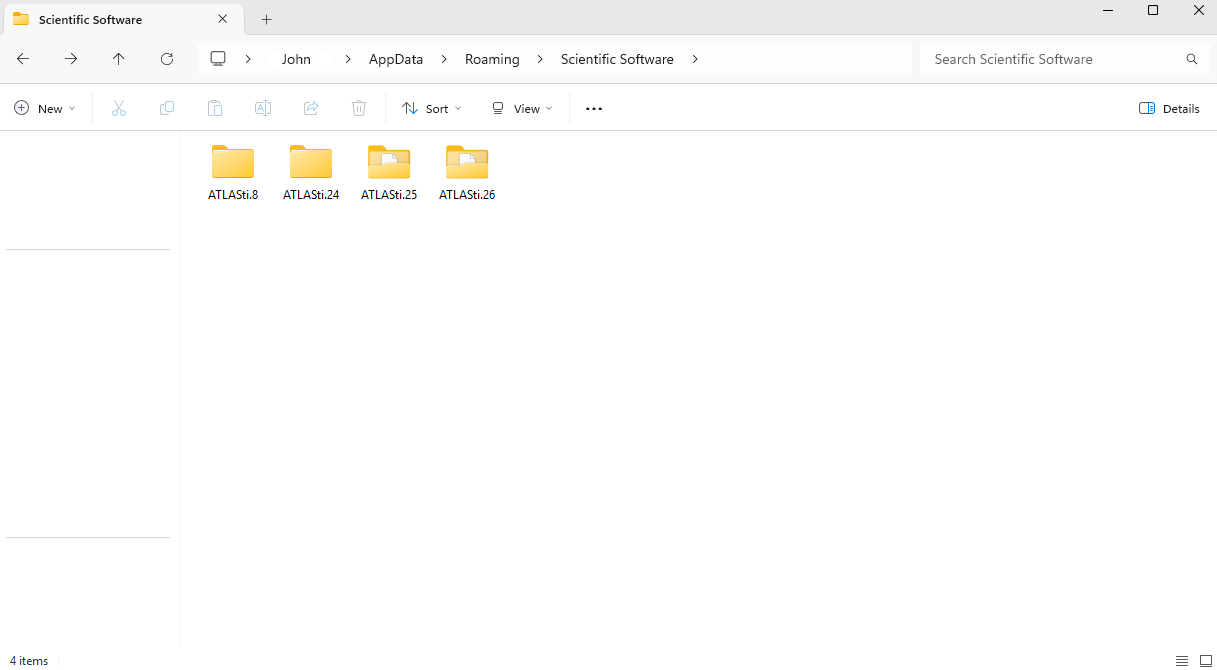
- Mac:
-
ATLAS.ti Web
-
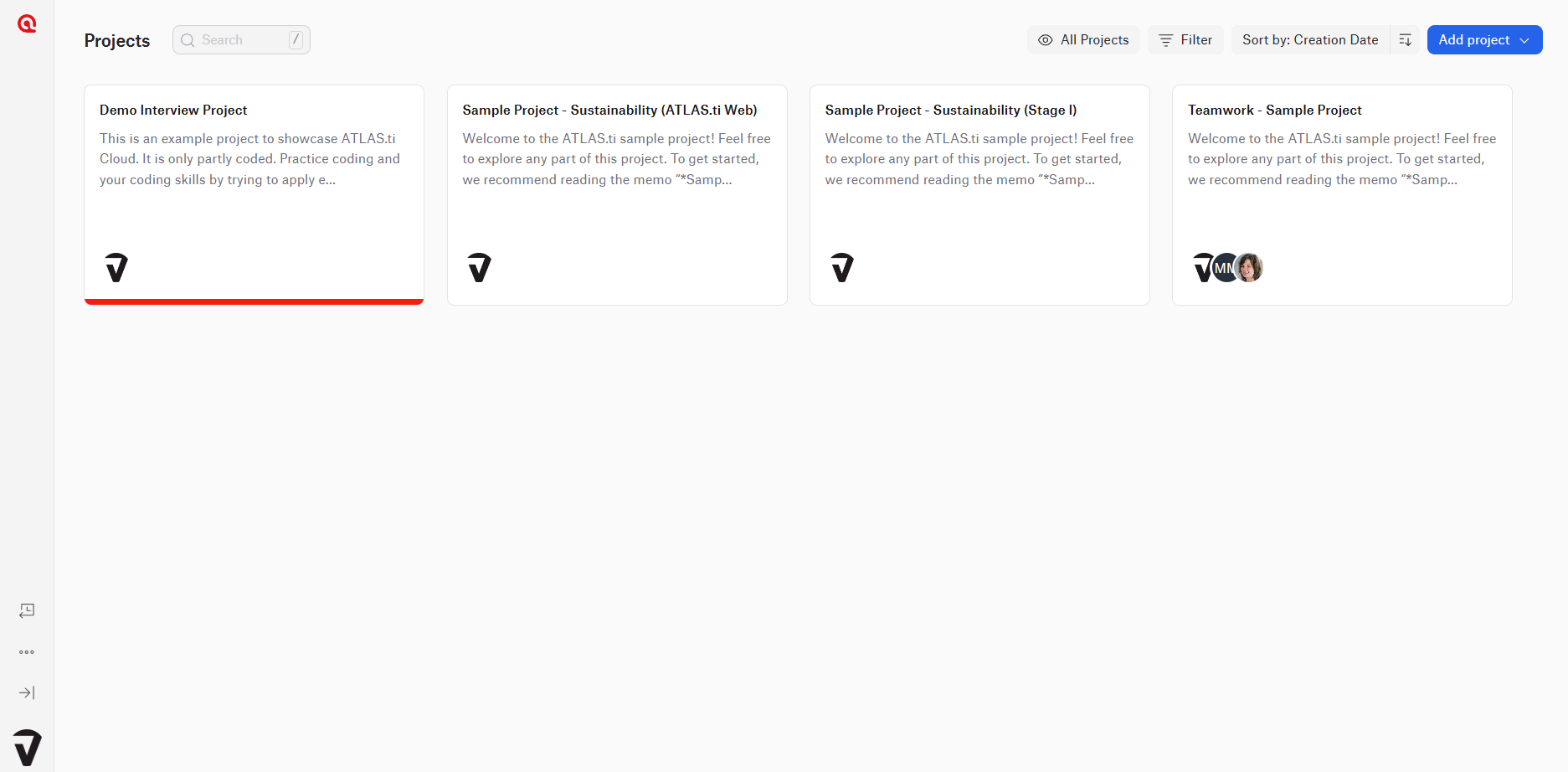
Projects created or uploaded in ATLAS.ti Web are stored securely in the cloud. Projects are accessible at web.atlasti.com.
- Data is encrypted in transit and at rest and protected against unauthorized access. The infrastructure is operated by SOC-compliant data center providers with internationally recognized certifications, including:
- ISO 27001
- ISO 27018
- ATLAS.ti Web is hosted on Amazon Web Services (AWS) infrastructure in Germany and stores project data on AWS servers located in the European Union. If you use AI features, including transcription, the submitted content may be transferred to and processed in third countries, including those outside the EEA, by our sub-processors under standard contractual clauses or other appropriate safeguards. Personal account and support data is processed as described in our Privacy Policy.
-
How ATLAS.ti protects your data
ATLAS.ti follows strict security and privacy standards:
- Supports compliance with GDPR and international regulations
- Uses encrypted cloud storage and certified infrastructure
- Applies strict safeguards to prevent unauthorized access
- The DPA forms part of the license terms and is accepted upon purchase. You can review it in our Legal Center: ATLAS.ti Data Processing Agreement. No separate agreement needs to be signed.
AI features and data privacy
- Some ATLAS.ti features use AI-assisted tools.
- AI features only process the data you explicitly submit for analysis.
- Neither ATLAS.ti nor its sub-processors use your content to train, retrain or improve artificial intelligence models. AI sub-processors retain submitted content only temporarily to the extent required to provide the service and to detect abuse.
- Some ATLAS.ti features use third-party providers that act as sub-processors to ATLAS.ti: OpenAI (generative AI analysis functions) and Deepgram (transcription of audio and video recordings), as further specified in the DPA. The current list of third-party AI providers is available in the Legal Center at atlasti.com/legal.
- Your project data remains private, secure, and isolated.
Account deletion and data removal
If you want to delete your account:
- You can request deletion through the account deletion process.
- Your personal data will be removed in accordance with our Privacy Policy and applicable statutory retention periods.
Common issues and mistakes
- I thought ATLAS.ti stores all my projects
- ATLAS.ti Desktop projects are stored locally on your computer. They are not uploaded to ATLAS.ti servers unless you upload them to ATLAS.ti Cloud (version 23 and later) or use AI features, including transcription, in which case the selected content is processed by our sub-processors as specified in the DPA.
- I am concerned that my data is used to train AI models
- Neither ATLAS.ti nor its sub-processors use your content to train, retrain or improve artificial intelligence models. AI sub-processors retain submitted content only temporarily to the extent required to provide the service and to detect abuse.
- I cannot find my project on another device
- Desktop projects are stored locally. To access them on another device, you must export and import the project.
When to contact support
Contact ATLAS.ti Support or the Data Protection Team (dataprotection@atlasti.com) if:
- You have questions about how your personal data is processed or stored
- You need documentation such as the Data Processing Agreement (DPA)
- You want to request deletion of your account or personal data
- You require clarification regarding GDPR compliance or data storage practices
When contacting support, please include:
- Your account email address
- A clear description of your request or question
- Any relevant documentation or context, if applicable