
How to work with non-western languages and character sets
Key takeaways
- ATLAS.ti Windows, Mac, and Web fully support Unicode and can work with virtually any language and character set.
- You can import, code, search, and analyze documents in multiple languages within the same project.
- The ATLAS.ti interface is available in English, German, Spanish, French, Portuguese, and Simplified Chinese.
- Most ATLAS.ti features work regardless of language, while some specialized analysis tools support a smaller set of languages.
- AI tools can generate codes and responses in any language.
Who this article is for
This article is for users working with non-western languages, multilingual datasets, or specialized character sets in ATLAS.ti.
Can ATLAS.ti work with non-western languages?
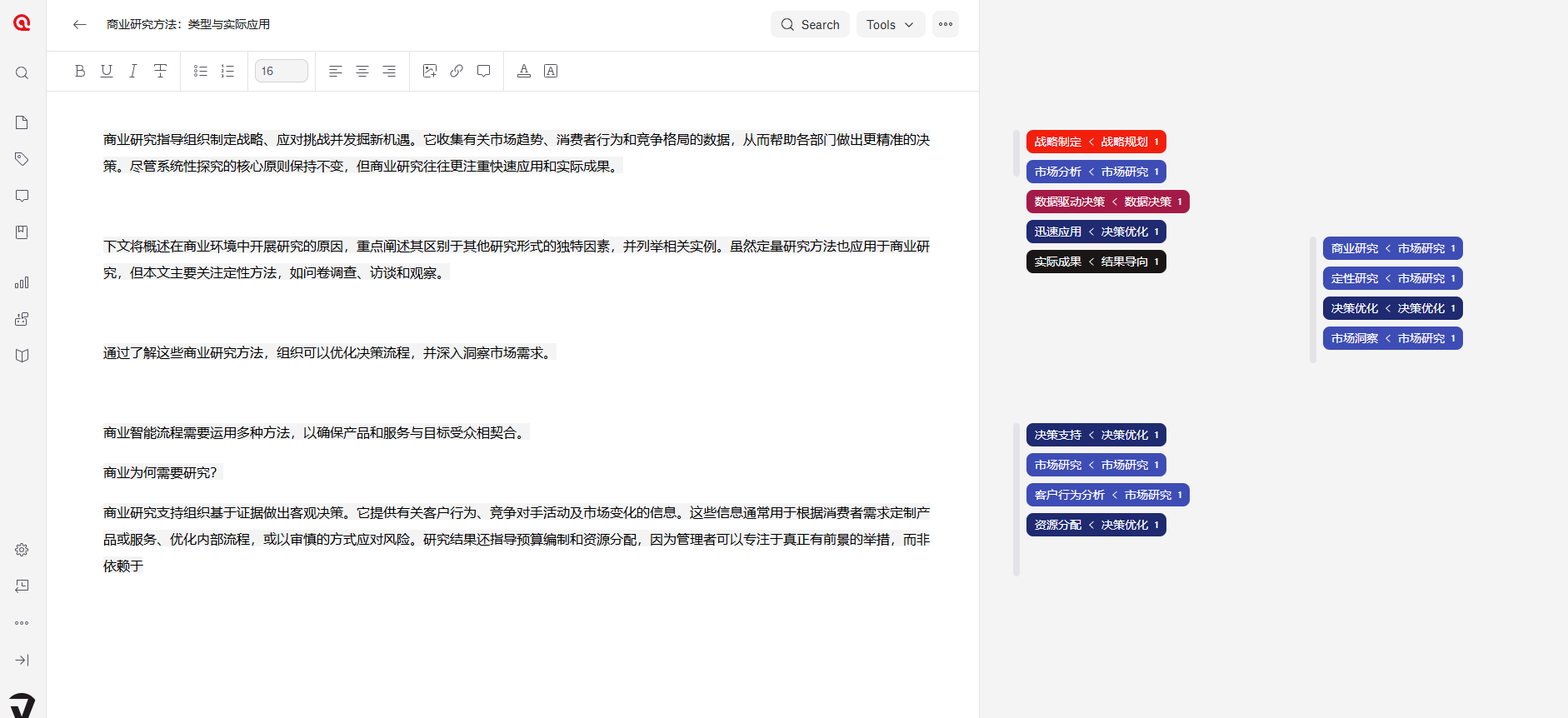
Yes. ATLAS.ti Windows, Mac, and Web are fully Unicode-compatible and can handle documents in practically any language and character set.
This includes languages using:
- Latin alphabets
- Cyrillic scripts
- Chinese characters
- Japanese writing systems
- Korean characters
- Arabic script
- Hebrew script
- Indic scripts
- and many others
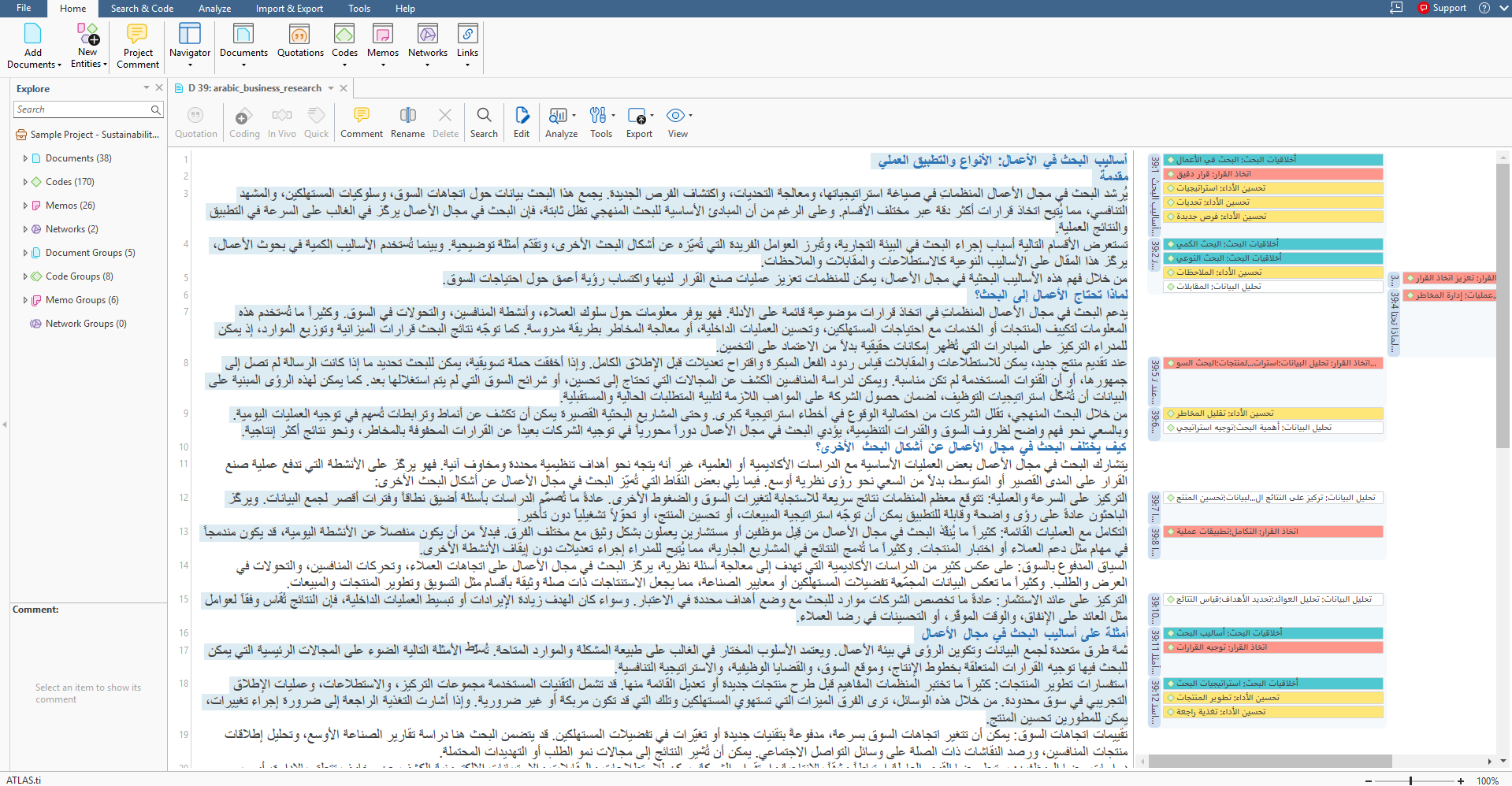
You can also work with multiple languages in the same project. For example, a project may contain interviews in English, Arabic, and Chinese while using codes and memos in another language.
You can import and analyze virtually any type of qualitative data regardless of language, including text documents, PDFs, transcripts, survey responses, quotations, codes, memos, and comments.
ATLAS.ti does not require all project content to be in the same language.
Interface languages
The ATLAS.ti Desktop interface is currently available in English, German, Spanish, French, Portuguese, and Simplified Chinese. ATLAS.ti Web currently supports English, German and Spanish as interface language.
The interface language is independent from the language of your data. For example, you can use the English interface while analyzing documents written entirely in Japanese or Arabic.
AI tools and multilingual projects
ATLAS.ti's AI tools support multiple languages.
When using:
- Intentional AI Coding
- Conversational AI
you can simply instruct the AI to generate codes, summaries, or responses in your preferred language, with instructions directly in that language.
For example:
- 日本語でコードを生成する - "Generate codes in Japanese"
- ይህንን ሰነድ በአማርኛ አጠቃልለው - "Summarize this document in Amharic"
- Criar códigos em português - "Create codes in Portuguese"
The AI will generally follow the language specified in your prompt.
Language support in specialized analysis tools
Most ATLAS.ti features work regardless of the language used in your project.
However, some specialized tools rely on language-specific processing models.
Currently, features such as:
- Named Entity Recognition
- Sentiment Analysis
have dedicated language support for:
- English
- German
- Spanish
- Portuguese
These limitations only affect those specific tools and do not impact coding, memo writing, querying, visualization, AI coding, or other core ATLAS.ti functions.
Test your language before starting a project
If you are working with a language, script, or character set that is critical to your research, we recommend testing it with your own data before beginning a large project.
This allows you to verify that your documents, fonts, characters, and workflows behave as expected with your specific material.
Common issues
- Some characters are not displaying correctly
- This is usually caused by the source document, PDF, or font rather than ATLAS.ti itself. Verify that the original file displays correctly outside ATLAS.ti.
- The AI responded in the wrong language
- Specify the desired language directly in your prompt, for example: "Generate codes in Korean."
- Sentiment Analysis is unavailable for my language
- Some language-dependent analysis tools currently support only a limited number of languages. Other ATLAS.ti functions remain fully available.
When to contact support
Contact support if:
- imported text displays incorrectly
- characters are replaced with symbols or question marks
- AI tools consistently fail to process a supported language
- you encounter language-specific import issues